Sepia Effect
Le meilleur du web en une seule adresse
De meilleures expériences en business digital à profiter avec l’accompagnement d’une agence web. Elle maîtrise l’optimisation du trafic, des éléments graphiques et de la communication visuelle.

Développement web & mobile
Création de site web, application mobile, développement de solutions natives pour le web.


Graphisme et webdesign
Création de logo, charte graphique, conception de meilleures interfaces webdesign graphique grâce à un graphiste illustrateur.

Conseils en communication
Accompagnement personnalisé en augmentation du trafic du site et génération de leads qualifiés.
Agence web
Quels seront vos besoins en matière du web ?
Chaque entreprise en ligne a des besoins propres en matière de conception technique de site, design graphique, référencement web, netlinking et développement des ventes. L’agence web intervient à ce stade et propose une stratégie de marketing sur-mesure répondant à ses attentes et aux standards des technologies web.
Spécialiste en optimisation SEO et en amélioration de l’arborescence de site, elle contribue au développement d’un site vitrine, e-boutique, site marchand et blog personnel.
Sites internet
Un bon site web commence par le bon choix du NDD
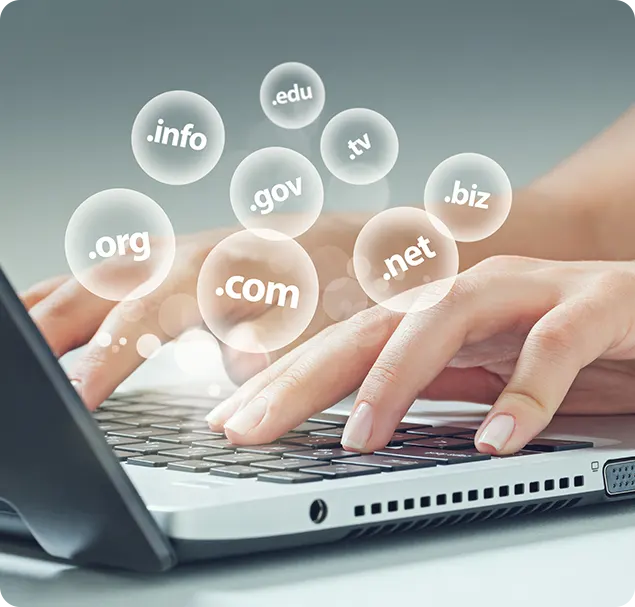
Le nom du domaine d’un site web est le premier élément visible de son identité visuelle. Un NDD pertinent et simple à retenir contribue à l’augmentation du trafic du site et à atteindre un meilleur positionnement sur les différents moteurs de recherche. Il peut se terminer par .com, .fr, .info, .org ou autre selon la nature du site et les objectifs qu’il vise.
L’utilisation d’un générateur de noms en ligne permet de trouver rapidement des noms de domaine potentiels pour sa marque.

Site web sur-mesure
Rien de tel qu'un site web clé en main
E-commerce
Site de vente en ligne axé sur différents secteurs d’activité.
Site vitrine
Site de présentation de ses services, produits, sa marque.
Site institutionnel
Site web représentant une institution ou une organisation.

Stratégie SEO
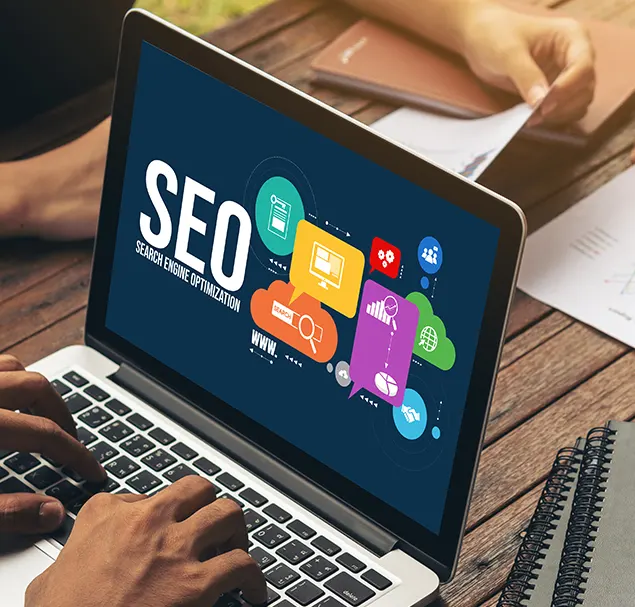
Optimiser vos sites pour le SEO
01
Audit SEO
Analyse du site afin de détecter les points bloquants pour le SEO.
02
Rédaction SEO
Rédaction de contenus optimisés grâce aux mots-clés & sémantique.
03
Campagnes backlinks
Jeux de liens externes et liens internes pour booster le SEO d’un site.
Stratégie digitale
Du web marketing pour gagner en visibilité
Le marketing du web contribue en majeure partie à une meilleure visibilité sur Google. L’agence de communication conseille de combiner plusieurs stratégies digitales : stratégie SEO, stratégie social média, stratégie de contenu, marketing d’influence. Le référencement SEA grâce aux campagnes Ads et aux publicités payantes en PPC (Paiement Par Clic) est également de mise pour de meilleurs résultats.
Equipe graphiste
Nous confier votre image de marque
Création Logo
Conception de logo sur-mesure pour une marque, boutique en ligne, entreprise du web.

Charte graphique
Uniformisation de la conception graphique du site à l’image de infographistepowerpoint.fr.
Identité visuelle
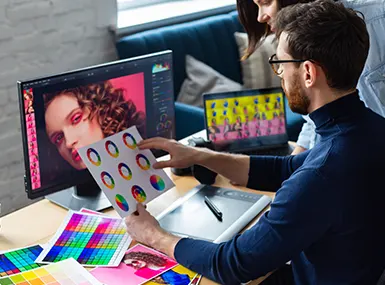
Une identité visuelle remarquable à travers les polices, palette de couleurs et typographie.